Pick one of three.
- Lose weight: a target and a relaxed or steady pace, with a date to aim for
- Build muscle: full body, upper, lower, or the muscle groups you pick
- Stay fit: up to two of energy, mobility, stamina and consistency
 Gymwhere
Now on the App Store
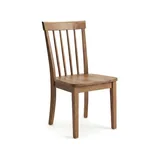
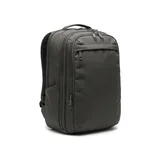
Snap your room and Gymwhere finds the gym in it: a chair becomes your bench, a backpack your weight. Then it builds a routine that steps up week by week, coached set by set.
On iPhone. The yearly plan starts with a free week.
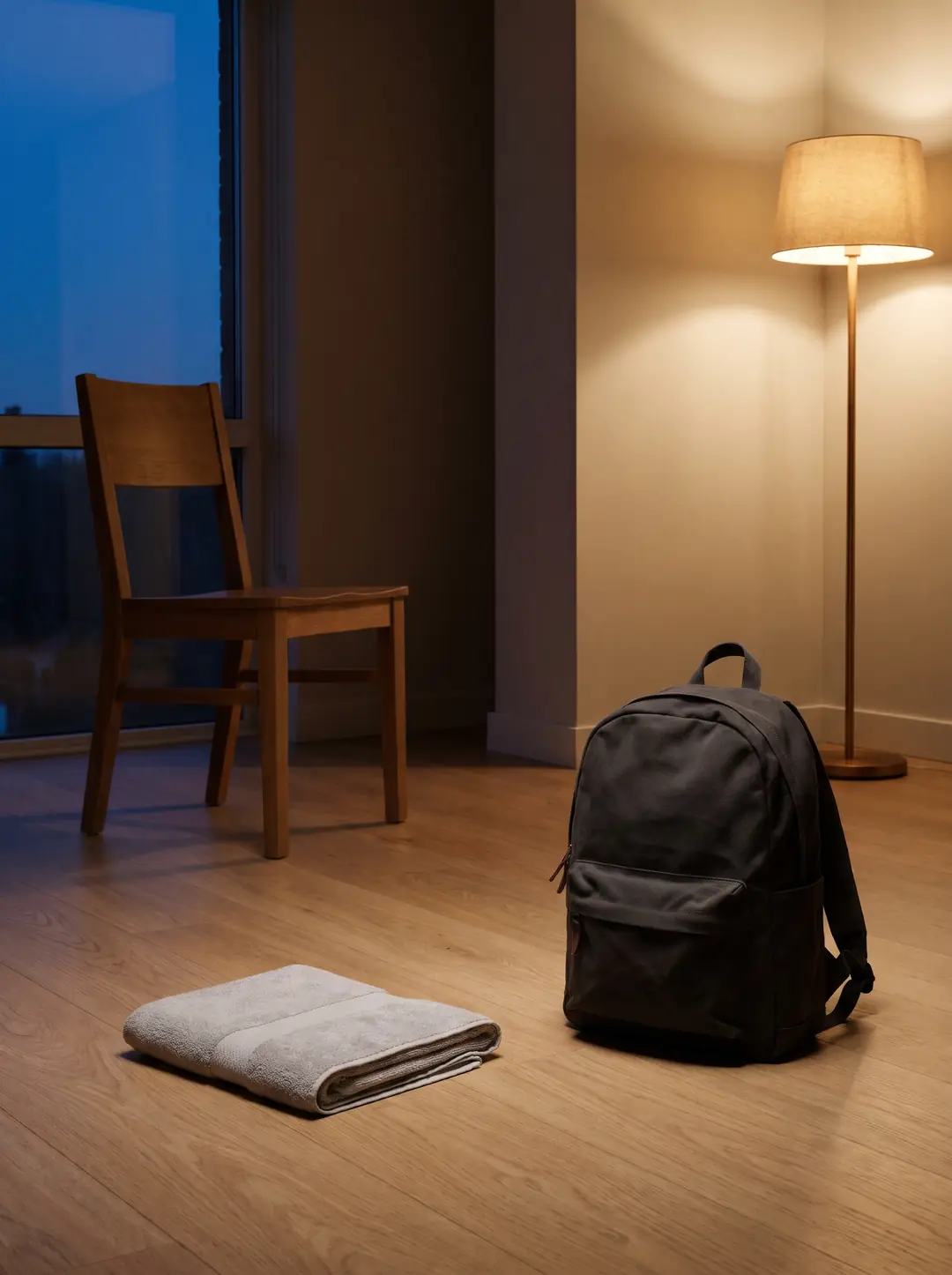
From a photo of your room to your first guided set.
Snap 1 to 4 photos. Review your equipment.
Scan your room, or start from one of five ready-made places: hotel room, living room, office, park or gym. Every place is included, and every one indoors has a wall: calf stretches, wall drills and handstand push-ups come with it.
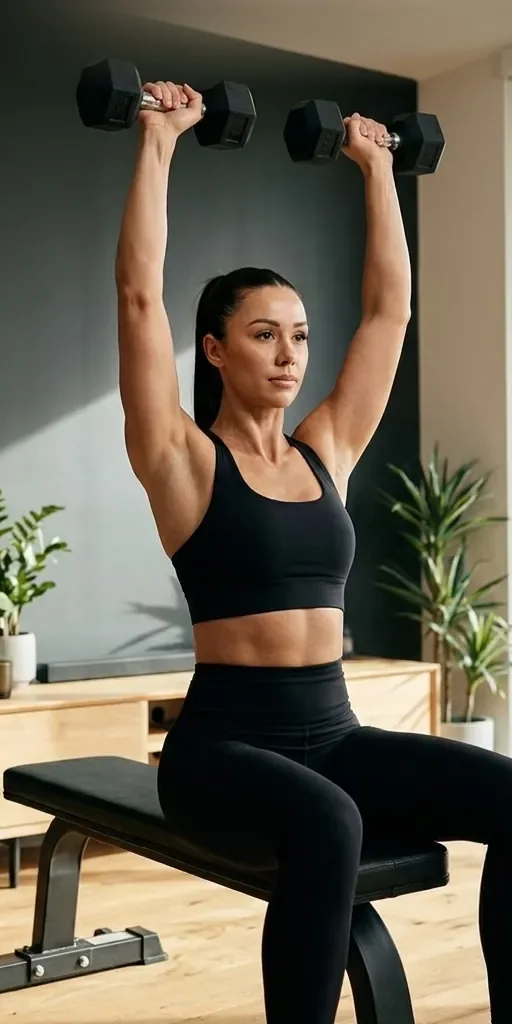
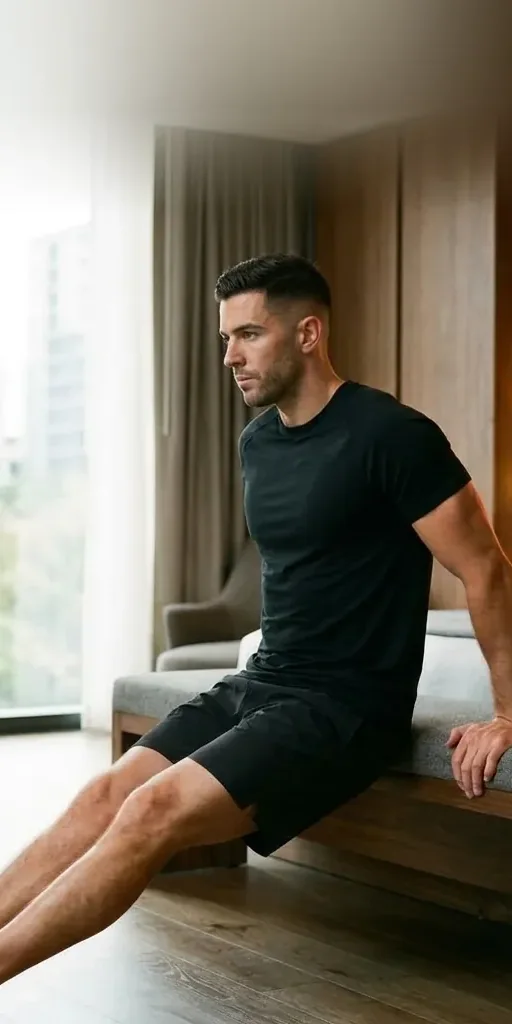
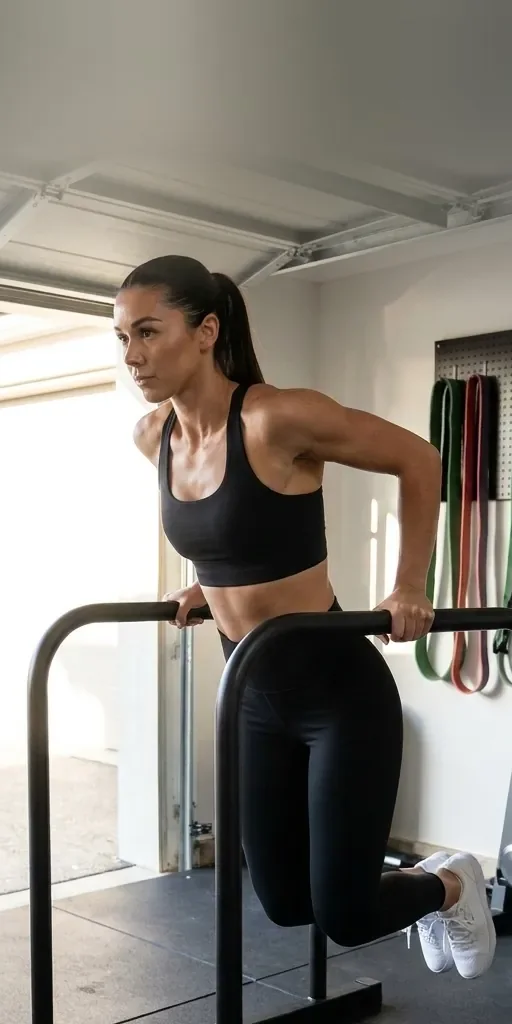
Illustrative training scenes.
Select your gear. Preview a sample session. No bench? A sturdy chair stands in.
 Bodyweight squat3 x 12
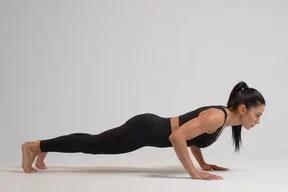 Push-ups3 x 8
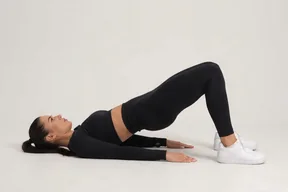 Bridge3 x 12
Every move is from the app's 200-exercise library. Your actual plan is personalised in the app.
Tell Gymwhere where you are today and every move swaps for the closest one that room allows. Same muscles, same effort; your plan and goal don't change.
A few questions at the start, and every plan after that is yours alone.
Mark what to protect and Gymwhere leaves out every move that loads it. Something hurts mid-workout? It's one tap away.
Week 8: 4 sessions, 120 active minutes, 2 personal records.
Weeks on rhythm, where rest days count, personal bests when you build muscle, and a weight chart if your goal is to lose weight. Tap a screen for a closer look.
Every main move grows a step each week; weeks 4 and 8 are lighter.
The coachAnswers from your own log, and every change waits for your Yes.
ChallengesA few minutes a day, after your workout or on a rest day.
Your set and rest countdown live on the Lock Screen and in the Dynamic Island: mark a set done, add 15 seconds or pause from there. On Android, a live notification does the same.
Train, your routine, every workout and your progress work offline. A scan, the coach's answers and purchases need a connection; offline, the rules keep your routine going.
A reminder on training days at the time you pick, and up to three nudges if you stay away. After a week without opening the app, it goes quiet.
| Included | Gymwhere |
|---|---|
| Your routine, written by the coach, with its weekly step-ups and the next 8 weeks | ✓ |
| Your trainer's read after every workout | ✓ |
| Questions to the coach, and the changes you ask for | ✓ |
| Room scans | ✓ |
| Every place, your own and the ready-made | ✓ |
| Guided workouts and all 10 challenges | ✓ |
| Progress, records and weigh-ins | ✓ |
| Workout edits and new routines | ✓ |
The yearly plan starts with a free week when your Apple ID can get the App Store's free trial: everything is on, nothing is charged until day 7, and the app shows the end date every day. If you allow notifications, one reminds you two days before. Cancel at least 24 hours before it ends and nothing is charged; otherwise the year begins. Or pay monthly; either way, cancel any time in Settings. The price in your currency is on the last setup screen, before you start.
Download on the App Store ↗Your routine, workouts and chats with the coach stay on your phone. Room photos, coach questions and your training profile go to the AI service the app uses, which you can switch off any time; scan photos are deleted once read, and the app never sends it your name, weight or injuries, only what you type. Deleting your data in the app removes your routine, history, spaces and chats.
Privacy details ↗Yes. Start from a ready-made place, such as the hotel room or park, or scan your own setup. Every indoor place counts its wall, and Gymwhere spots everyday stand-ins, like a sturdy chair, a backpack you can load or a suitcase.
Nothing to catch up on: the missed workout is simply next. Train on another day and it moves to that day. Train less than half a week, or rate two workouts Hard, and the next week eases off a set.
The AI reads your room photos to list your gear, writes your first routine, answers your questions to the coach and suggests changes at each new phase. Every answer is checked against the app's own rules. It is one switch: with it off, you tick your gear from a list and the rules write everything.
Yes. The coach is part of the one Gymwhere subscription, the yearly plan's free week included: it writes your routine and its changes, reads every workout and answers your questions.
iPhone with iOS 16.4 or later; Android is next. Lock Screen controls need iOS 17.
Your store manages it: on iPhone, Settings › your name › Subscriptions. Deleting the app does not cancel it. More on the support page.
On the App Store for iPhone: download Gymwhere. It is a subscription, and the yearly plan starts with a free week. Android is next. Want to try a session first? The guides have real workouts for a hotel room, household items, dumbbells and a band.
On iPhone, with a free first week on the yearly plan. Your routine and history stay on your phone.
Download on the App Store ↗
On a computer? Point your iPhone's camera here.